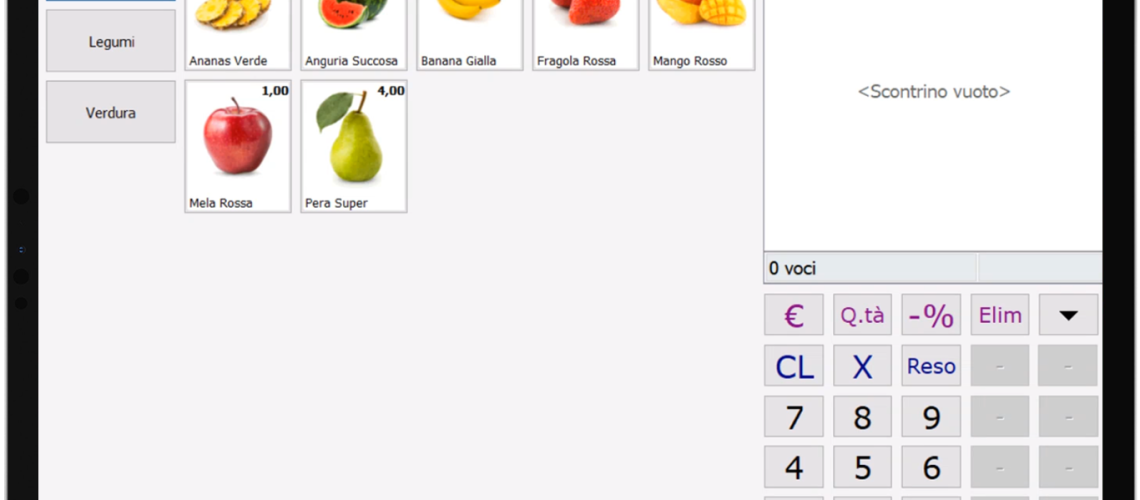

Danea Easyfatt da Tablet o iPad Touch con CloudRemote
Danea EasyFatt Touch con CloudRemote
Danea EasyFatt può essere usato in modalità touch screen per effettuare vendite e ordini da un POS (Point fo Sales) dotato di interfaccia touchscreen.
Questa impostazione touch del programma Danea EasyFatt permette di effettuare vendite tramite un dispositivo touch screen, molto comodo per gestire gli ordini dei clienti per esempio presso una cassa di ristorante, bar o gelateria!
La funzionalità touch screen del Danea EasyFatt permette di abilitare una speciale interfaccia grafica compatibile con dispositivi touch e scegliere quali prodotti mostrare nella modalità touch screen per Danea!
Grazia a questa funzionalità sarà possibile utilizzare il Danea sia in modalità tradizionale (da computer windows o mac) che in modalità touchscreen (da computer touch, ipad o tablet)!
Scegliendo quali prodotti mostrare nell’interfaccia touchscreen è anche possibile dedicare una sola selezione del catalogo Danea alla vendita tramite Tablet e dispositivi touch, semplificando la gestione degli operatori!
Grazia al CloudRemote che permette di collegarsi con 1 click al Danea Easyfatt da qualsiasi Computer, Mac, Smartphone e Tablet da casa e fuori ufficio ora è possibile utilizzare il Danea EasyFatt in modalità touchscreen da Tablet e iPad per la gestione delle vendite!
NUOVO: E’ davvero possibile collegarsi con 1 click al Danea Easyfatt da qualsiasi Computer, Mac, Smartphone e Tablet da casa e fuori ufficio?
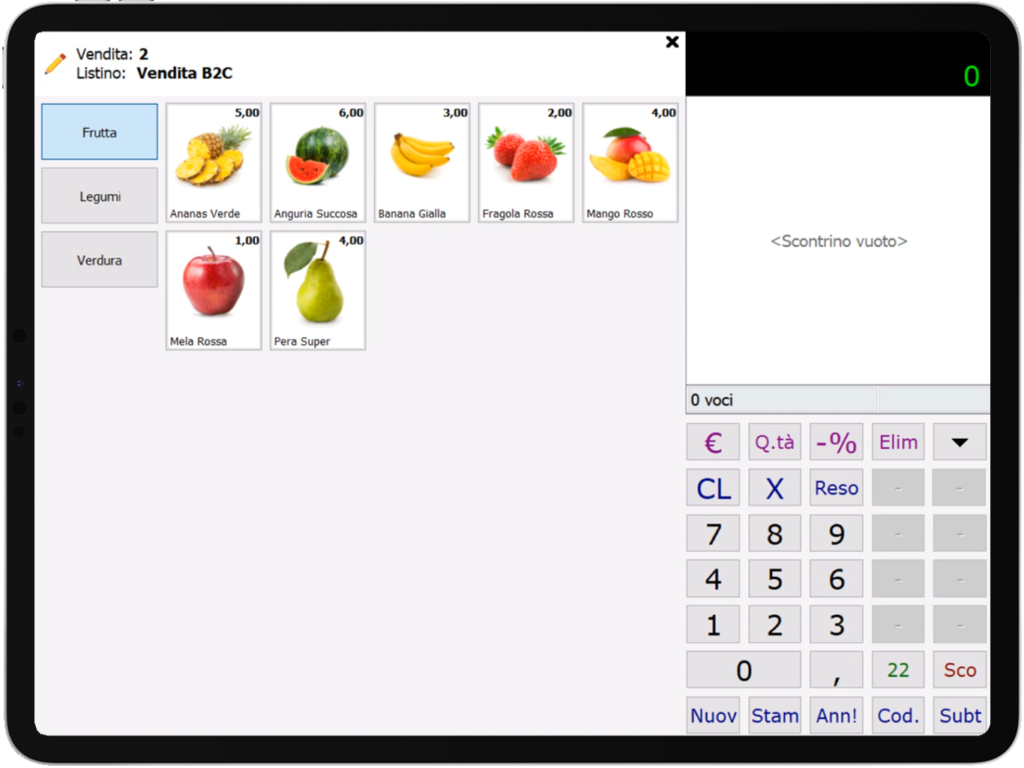
Interfaccia Touch per iPad Danea Easyfatt con CloudRemote
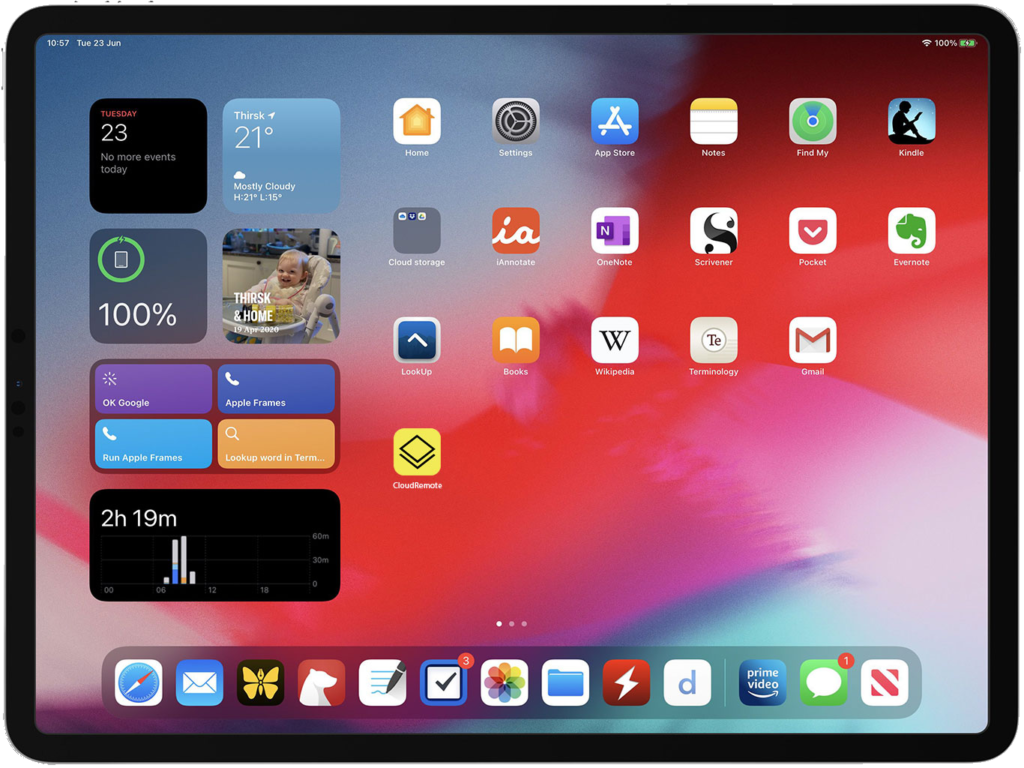
Applicazione CloudRemote ti permette di collegarti da iPad a Danea con 1 Click